HOW TO USE WHATSAPP FOR SENIORS (STEP-BY-STEP GUIDE)
WHAT YOU’LL LEARN
- How to install WhatsApp
- How to send messages
- How to make voice and video calls
- How to share photos
- How to stay safe from scams
WHAT IS WHATSAPP?
WhatsApp is a simple, free app that lets you:
- Send messages
- Make voice calls
- Make video calls
- Share photos and videos
- Stay connected with family
It works on both iPhone and Android.
HOW TO INSTALL WHATSAPP
ON IPHONE:
- Open the App Store
- Tap Search
- Type “WhatsApp”
- Tap Get
- Enter your Apple ID password if asked
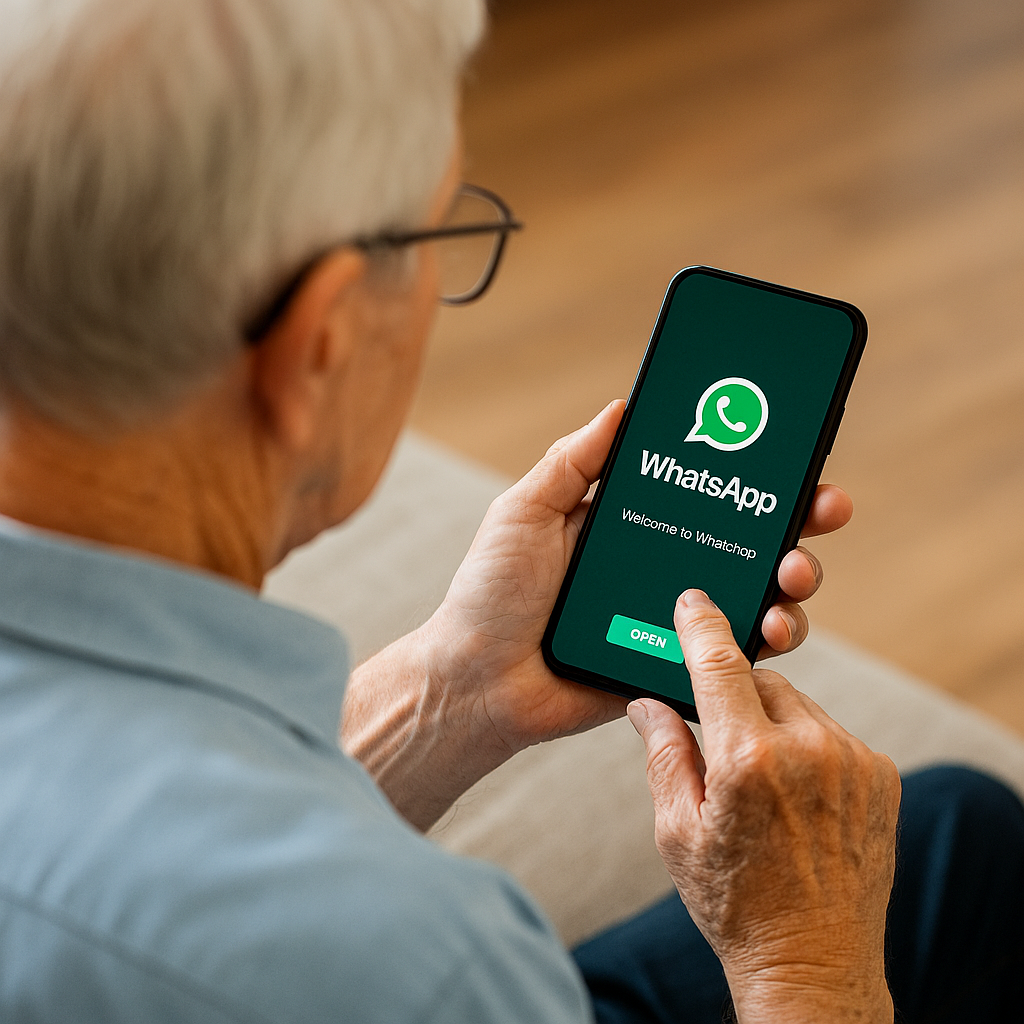
- Tap Open
ON ANDROID:
- Open the Google Play Store
- Tap Search
- Type “WhatsApp”
- Tap Install
- Tap Open
HOW TO SET UP WHATSAPP
- Tap “Agree & Continue”
- Enter your phone number
- Tap Next
- Enter the 6-digit code sent to your phone
- Type your name
- Tap Next
You’re now ready to use WhatsApp.
HOW TO SEND A MESSAGE
- Tap the Chats tab
- Tap the New Chat icon
- Choose a contact
- Tap the text box
- Type your message
- Tap the send arrow
HOW TO MAKE A VOICE CALL
- Open a chat
- Tap the phone icon
- Wait for the person to answer
Voice calls are free when connected to Wi-Fi.
HOW TO MAKE A VIDEO CALL
- Open a chat
- Tap the video camera icon
- Hold your phone steady
- Tap End to hang up
HOW TO SHARE PHOTOS
- Open a chat
- Tap the paperclip (Android) or + icon (iPhone)
- Choose “Photo”
- Select the picture
- Tap Send
SAFETY TIPS FOR SENIORS
- Never reply to unknown numbers
- Don’t click suspicious links
- Don’t share personal info (banking, passwords, Medicare)
- Block anyone who seems pushy or strange
- Ask family before accepting unknown video calls
RECOMMENDED TOOLS (OPTIONAL)
- Large-button stylus (for easier tapping)
- Phone stand (for video calls)
- Amplified Bluetooth speaker (for clearer sound)
- Tablet for seniors (bigger screen for video calls)
FAQS
Q: Do I need Wi-Fi to use WhatsApp?
A: No, but Wi-Fi makes calls free and clearer.
Q: Can I use WhatsApp on a tablet?
A: Yes — most tablets support WhatsApp.
Q: Are WhatsApp calls safe?
A: Yes. WhatsApp uses end-to-end encryption to protect your conversations.
Q: Can scammers contact me on WhatsApp?
A: Yes, but you can block them easily. Never respond to unknown numbers.
Looking for more helpful guides?
👉 Browse All Categories:
STAY CONFIDENT WITH YOUR TECHNOLOGY
Get our free weekly email with simple tips, step-by-step guides,
and safety reminders designed especially for seniors and the
adult children who support them.