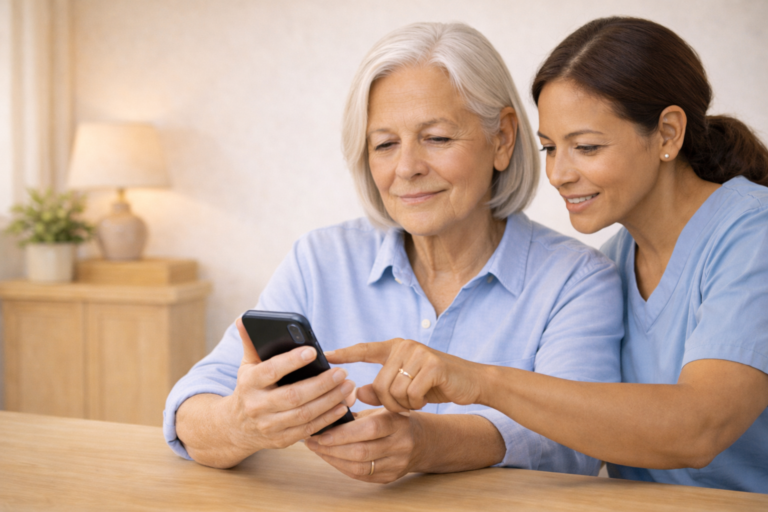
EASIEST SMARTPHONES FOR SENIORS IN 2026
WHAT YOU’LL LEARN
- Which smartphones are easiest for seniors to use
- Key features to look for (volume, screen size, simplicity)
- Pros and cons of each model
- Safety tips for setup and use
WHY SMARTPHONE CHOICE MATTERS FOR SENIORS
The right smartphone can help seniors:
- Stay connected with family
- Use health apps and emergency tools
- Avoid frustration and confusion
- Stay safe from scams
TOP SMARTPHONES FOR SENIORS IN 2026
- Jitterbug Smart4 (by Lively)
- Large screen and buttons
- Simple menu with “List View”
- Built-in emergency response button
- Loud speaker and hearing aid compatible
- Easy texting and calling
- iPhone SE (2024 edition)
- Familiar Apple interface
- Voice commands with Siri
- Adjustable text size and brightness
- Great camera for family photos
- Reliable and secure
- Samsung Galaxy A15
- Affordable and easy to use
- Large screen with clear icons
- Simple mode available
- Good battery life
- Works well with hearing devices
- Nokia C300
- Budget-friendly
- Clean Android interface
- Large display and physical buttons
- Good for basic calling and texting
FEATURES TO LOOK FOR
- Large screen with bright display
- Loud speaker and volume control
- Simple menu or “easy mode”
- Long battery life
- Emergency button or SOS feature
- Compatibility with hearing aids
SAFETY TIPS FOR SENIOR PHONE USE
- Set up a PIN or fingerprint lock
- Turn on scam protection features
- Add trusted contacts to favorites
- Disable unknown app downloads
- Use Wi-Fi for free calling and updates
RECOMMENDED ACCESSORIES
- Large-button stylus
- Phone stand or holder
- Amplified Bluetooth speaker
- Screen protector with anti-glare
- Simple phone case with grip
FAQS
Q: What’s the easiest phone for a complete beginner?
A: The Jitterbug Smart4 is designed specifically for seniors with no tech experience.
Q: Can I use WhatsApp or Zoom on these phones?
A: Yes — all listed phones support popular apps like WhatsApp, Zoom, and email.
Q: Are these phones good for hearing loss?
A: Yes — most are hearing aid compatible and have loud speakers.
Q: What if I need help setting it up?
A: Ask a family member or caregiver to help, or follow our step-by-step setup guide.
WANT SIMPLE TECH TIPS EACH WEEK?
Join the Senior Easy Tech email list for easy, step-by-step
guides that help seniors stay safe, confident, and connected.
Looking for more helpful guides?
👉 Browse All Categories: