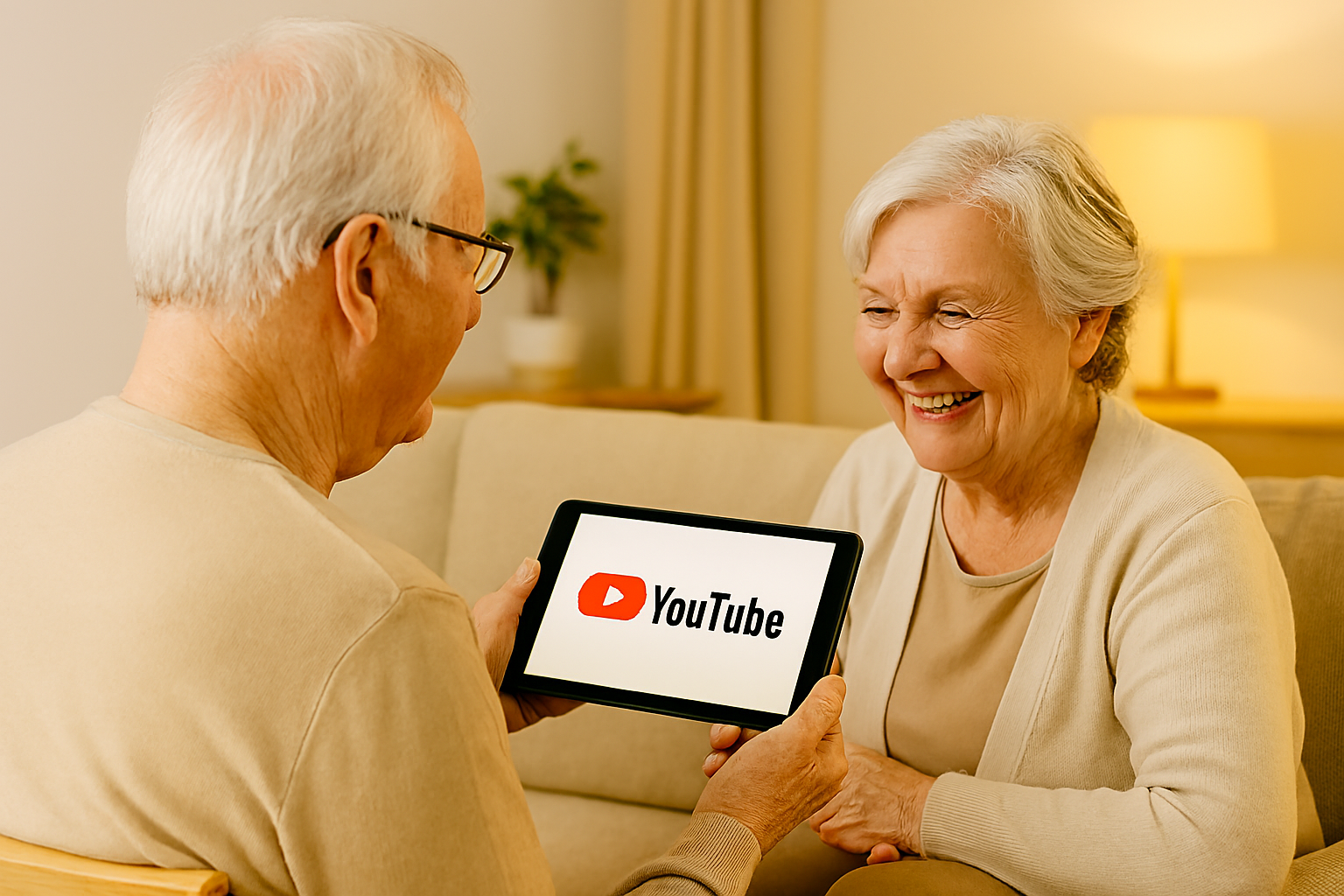
HOW TO USE YOUTUBE FOR LEARNING (SENIOR-FRIENDLY TIPS)
WHAT YOU’LL LEARN
- How to find helpful videos on YouTube
- How to search, subscribe, and save videos
- Safety tips to avoid scams and confusion
- Best channels for seniors and caregivers
WHY YOUTUBE IS GREAT FOR SENIORS
YouTube helps seniors:
- Learn new skills at their own pace
- Watch tutorials on tech, health, hobbies, and more
- Stay entertained and informed
- Connect with trusted creators
STEP-BY-STEP: HOW TO USE YOUTUBE
- Open YouTube
- Tap the YouTube app or go to youtube.com
- Search for a topic
- Tap the magnifying glass
- Type something like “how to use WhatsApp” or “easy recipes for seniors”
- Watch a video
- Tap the thumbnail to play
- Use pause, rewind, and volume buttons
- Subscribe to a channel
- Tap “Subscribe” under the video
- You’ll see new videos from that creator
- Save videos to watch later
- Tap the three dots next to the video
- Choose “Save to Watch Later”
- Turn on captions
- Tap the “CC” button for subtitles
- Helps with hearing or understanding
SAFETY TIPS FOR SENIOR YOUTUBE USE
- Avoid clicking links in video descriptions
- Don’t share personal info in comments
- Watch videos from trusted creators
- Use “Restricted Mode” to block inappropriate content
- Ask a caregiver for help if unsure
BEST YOUTUBE CHANNELS FOR SENIORS
- Senior Planet — tech and lifestyle tips
- The Granny Tech — simple tutorials
- Caregiver Support — help for adult children
- Easy Cooking for Seniors — recipes and kitchen safety
- Gentle Yoga — safe movement and stretching
FAQS
Q: Do I need an account to use YouTube?
A: No — but having one lets you subscribe and save videos.
Q: Can I use YouTube on a tablet or phone?
A: Yes — it works on smartphones, tablets, and computers.
Q: Are YouTube videos free?
A: Yes — most videos are free to watch.
Q: What if I see something confusing or upsetting?
A: Tap “Report” or ask a family member for help.
WANT SIMPLE TECH TIPS EACH WEEK?
Join the Senior Easy Tech email list for easy, step-by-step
guides that help seniors stay safe, confident, and connected.
Looking for more helpful guides?
👉 Browse All Categories: