HOW TO SET UP A SENIOR-FRIENDLY EMAIL
WHAT YOU’LL LEARN
- How to set up a simple, easy-to-use email account
- Best email platforms for seniors
- Important safety and scam protection settings
- How to help a loved one use email confidently
WHY EMAIL MATTERS FOR SENIORS
Email helps seniors:
- Stay in touch with family
- Receive important updates safely
- Avoid tech frustration
- Communicate from home with ease
BEST EMAIL PLATFORMS FOR SENIORS
- Gmail
- Simple layout
- Large text options
- Excellent spam protection
- Works on all devices
- Yahoo Mail
- Very large buttons and icons
- Easy-to-read inbox
- Good for beginners
- Outlook.com
- Clean, organized layout
- Strong security features
- Great for seniors who use Windows
STEP-BY-STEP: SETTING UP A SENIOR-FRIENDLY EMAIL
- Choose an email platform
Pick Gmail, Yahoo, or Outlook — all are senior-friendly. - Create the account
- Tap “Create Account”
- Enter name and birth year
- Choose a simple email address
Example: firstname.lastname123
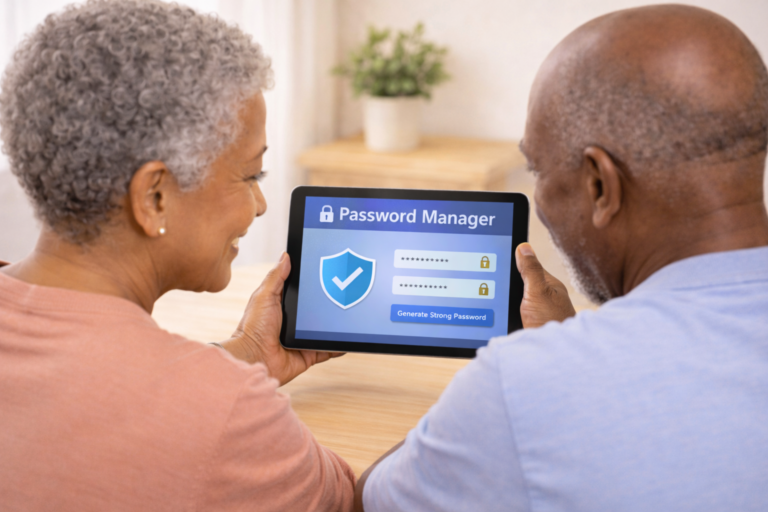
- Create a strong password
- Use 10+ characters
- Mix letters and numbers
- Write it down in a safe place
- Add recovery options
- Add a trusted phone number
- Add a backup email (optional)
- Adjust settings for visibility
- Increase font size
- Turn on high contrast mode
- Enable reading pane
- Add important contacts
- Add family members
- Add close friends
- Add doctor or caregiver if needed
- Practice sending an email
- Tap “Compose”
- Type a short message
- Tap “Send”
SECURITY SETTINGS FOR SENIORS
- Turn on two-factor authentication
- Enable phishing and scam protection
- Block unknown senders
- Never open attachments from strangers
- Avoid “urgent” messages asking for money
HELPFUL EMAIL HABITS FOR SENIORS
- Check email once a day
- Delete spam immediately
- Never share passwords
- Ask family before clicking links
- Log out when finished (optional)
FAQS
Q: What’s the easiest email for seniors?
A: Gmail and Yahoo are the simplest and most senior-friendly.
Q: Can I use email on a tablet or phone?
A: Yes — all major email apps work on smartphones, tablets, and computers.
Q: How do I avoid scams?
A: Never click links from unknown senders and turn on spam protection.
Q: Can a caregiver help manage the account?
A: Yes — add them as a recovery contact for support.
WANT SIMPLE TECH TIPS EACH WEEK?
Join the Senior Easy Tech email list for easy, step-by-step
guides that help seniors stay safe, confident, and connected.
Looking for more helpful guides?
👉 Browse All Categories: