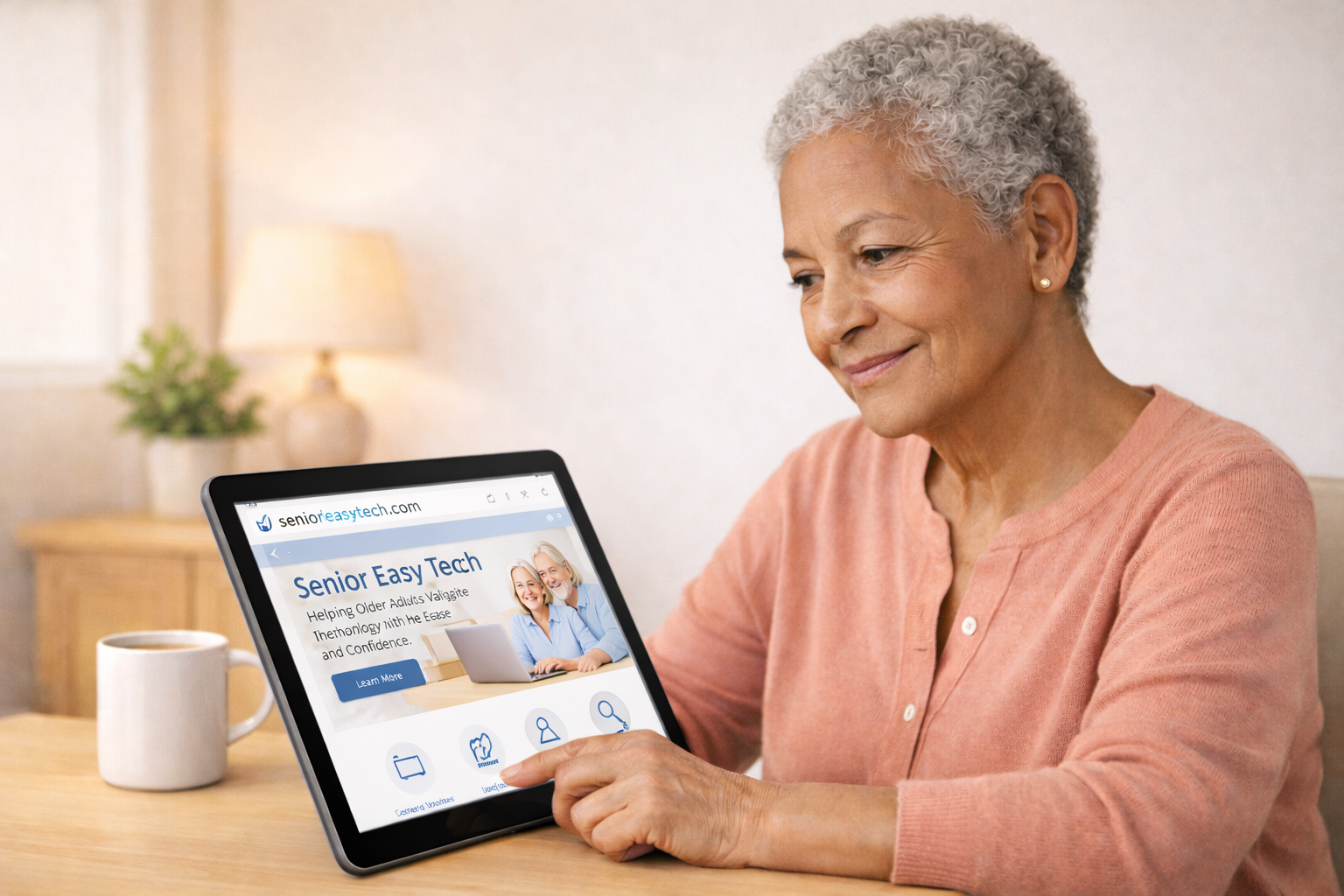
How to Use Email Safely: A Beginner’s Guide for Seniors
Learn the simple steps to avoid scams, protect your personal information, and feel confident using email every day.
What You’ll Learn
- How to spot fake or suspicious emails
- The safest way to open links and attachments
- How to avoid common email scams
- How to protect your personal information
- Simple habits to keep your email account secure
1. What Makes an Email Unsafe?
Unsafe emails often try to trick you into clicking something or giving away personal information. These are called phishing emails. They may look real, but small clues give them away.
2. How to Spot a Suspicious Email
- The sender’s address looks strange
- The message feels urgent or threatening
- It asks for personal information
- There are spelling or grammar mistakes
- The link looks unusual or doesn’t match the company name
3. Safe Ways to Handle Links and Attachments
- Never click a link unless you’re expecting it
- Hover your mouse over the link to see where it really goes
- Only open attachments from people you trust
- When unsure, delete the email — it’s always safer
4. Common Email Scams to Avoid
- Fake bank alerts
- “You won a prize” messages
- Fake package delivery notices
- Tech support scams
- Emails pretending to be from family members
5. How to Keep Your Email Account Secure
- Use a strong password
- Turn on two-step verification
- Sign out when using shared computers
- Update your password every few months
6. When in Doubt, Delete It
If something feels off, trust your instincts. It’s always better to delete a suspicious email than to risk clicking something harmful.
Stay Safe With Helpful Tech Tips
Get simple, senior‑friendly email lessons delivered right to your inbox. No spam, ever — just clear guidance to help you feel confident online.
Want to Keep Learning?
Explore more simple, senior-friendly guides to stay safe and confident online.